COMPUTER TUNE-UP
Computer Tune-Up in Collingwood
If your computer feels slow, takes forever to start, or just isn’t running like it used to, a tune-up can restore speed, stability, and day-to-day reliability through targeted maintenance and optimization.
Computer Tune-Up Services for Speed & Reliability
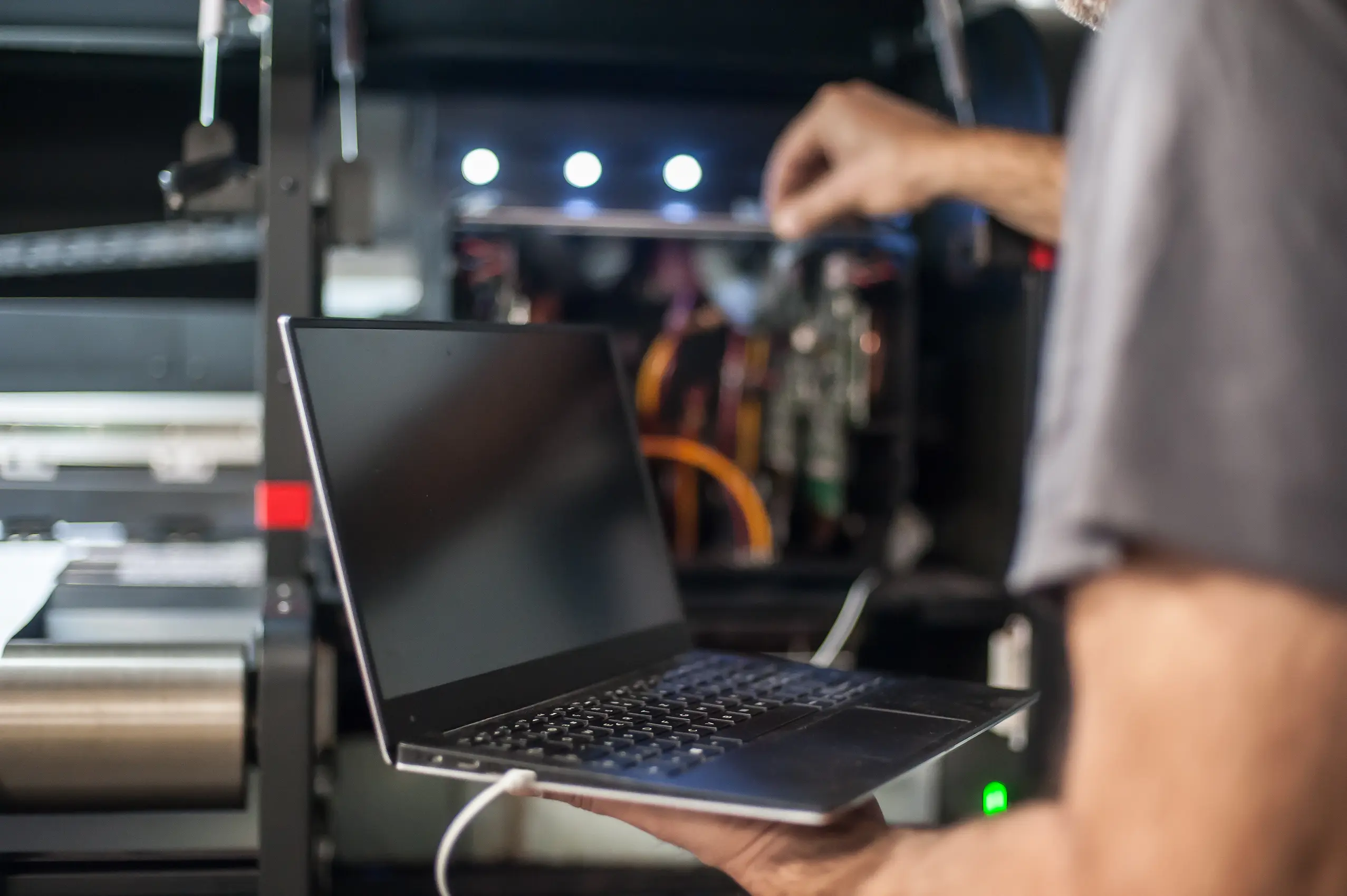
A computer tune-up is like regular maintenance for your system. Over time, computers can slow down due to cluttered storage, unnecessary background programs, outdated software, or security threats. A tune-up focuses on improving overall performance and responsiveness by cleaning up what’s dragging the device down and ensuring the system is running the way it should.
At Mariner Computers, a tune-up typically includes steps like disk cleanup to remove temporary files and cached data, software and operating system updates for better security and performance, and startup optimization to reduce slow boot times. We also check for malware and viruses, and can run hardware diagnostics (like drive and RAM checks) to spot early warning signs before they become bigger problems.
Depending on the type of storage in your computer, optimization may also include defragmentation or other drive optimization processes, and on Windows systems, registry cleanup may be recommended when cluttered entries are affecting performance.
Faster Startups
Reduce startup load
Better Performance
Clean + optimize system
What a Tune-Up Helps With
A tune-up is designed to improve how your computer feels day-to-day—faster, smoother, and more stable—while reducing security risks from outdated software and hidden threats.
- Slow computers and laggy performance
- Long boot times (too many startup programs)
- Low storage caused by temporary files / cache
- Outdated software and missing security updates
- Malware or virus-related slowdowns
- Early detection of hardware issues (drive/RAM checks)
- Performance optimization (speed + responsiveness)
- Disk cleanup (temporary files, cache, storage clutter)
- Software / OS updates (security + stability)
- Malware & virus scans / removal
- Startup optimization (faster boot times)
- Hardware diagnostics (drive, RAM, components)
Not sure if you need a tune-up?
If your computer is slow, freezing, showing pop-ups, or taking a long time to start, a tune-up is often the best first step. Send us a message and we’ll recommend what makes sense.
How Our Service Works
How Our Tune-Up Process Works
Placerat pellentesque pretium nullam eu sagittis fusce porttitor. Proin pretium risus finibus per tellus. Si cras pretium pede lectus tristique consectetuer.
- Assessment – Quick check of performance, storage, updates, security
- Optimize – Cleanup, updates, startup tuning, malware scan
- Verify – Restart testing, performance check, recommendations
F. A.Q
Frequently Asked Questions
Answers to common tune-up questions—what’s included, how often to do it, and what to expect.
A tune-up generally includes performance optimization, disk cleanup, software/OS updates, malware scanning, startup optimization, and checks that help prevent future slowdowns.
If you use your computer daily, a tune-up is often helpful when you notice slow performance, long startup times, pop-ups, or after major updates or software installs. (Many people do one periodically as preventative maintenance.)
A normal tune-up focuses on cleaning temporary files, cache, and unnecessary background items—not personal documents or photos. If anything outside standard cleanup is recommended, it should be discussed before changes are made.
Yes—malware and virus scanning/removal is a common part of a tune-up because malicious software can slow down your system and create security risks.
A tune-up improves performance and stability, but if there’s a failing drive, bad RAM, or other hardware issues, diagnostics may reveal that a repair or part replacement is the better next step.