

GAMING PCs
Gaming PC Sales & Setup in Collingwood
Get a gaming computer that matches the games you play and the performance you expect—without overspending on specs you don’t need. We help you choose the right build, explain requirements clearly, and set you up for smooth gameplay.
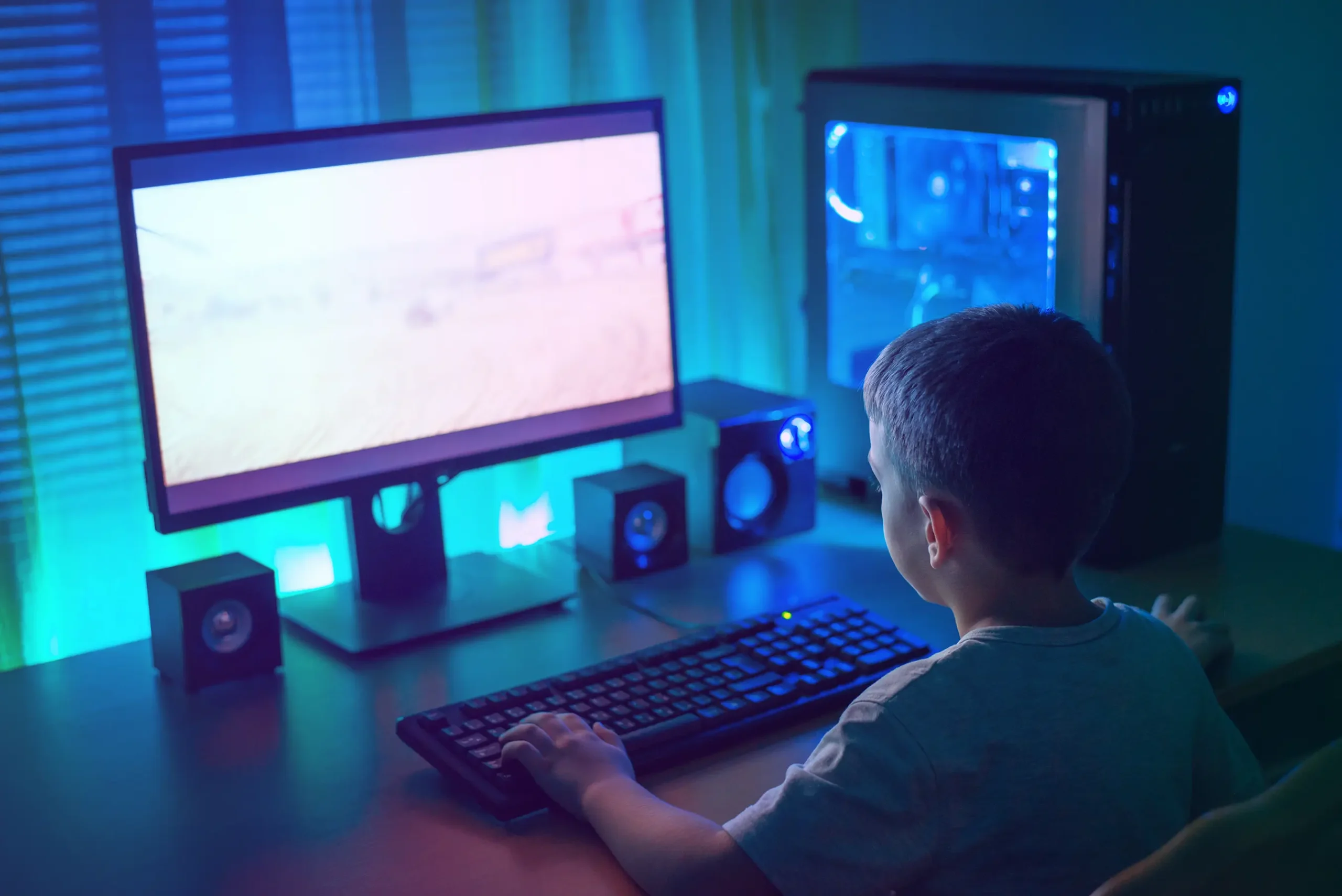
Choosing the Right Gaming Computer Starts With the Games You Play
Buying a gaming PC is different than buying a general-use computer. Gaming performance depends on how well your system matches the hardware requirements of the games you want to run—especially the graphics card (GPU), processor (CPU), memory (RAM), and storage. Some games are light and run well on mid-range systems, while modern competitive and AAA titles often need stronger graphics performance, higher frame rates, and faster loading speeds to feel smooth and responsive.
At Mariner Computers, we help you choose a gaming PC based on real use: what games you play, what resolution you want (1080p, 1440p, 4K), whether you care about high FPS for competitive gaming, and what budget makes sense. We explain tradeoffs in plain language—where spending matters (like the GPU), where it doesn’t, and how to avoid buying a system that looks impressive but doesn’t match your goals. If you’re upgrading an existing PC, we can also recommend targeted upgrades for better performance without replacing everything.
Match the Game
Build to real requirements
Spend Smarter
Prioritize the parts that matter
Benefits of a Gaming PC
A well-matched gaming computer isn’t only about playing games—it’s about smooth performance, fast loading, and a system you can upgrade over time.
- Higher frame rates for smoother gameplay (especially competitive titles)
- Better graphics quality at 1080p / 1440p / 4K
- Faster loading and snappier system performance with SSD storage
- Upgradability (swap GPU, add RAM, expand storage)
- Strong performance for streaming, content creation, and multitasking
- Better cooling and stability for longer sessions
- Gaming PC recommendations based on the games you play
- Guidance on CPU vs GPU priorities (no wasted spend)
- RAM and storage planning for performance + loading speed
- Upgrade advice (GPU, SSD, RAM, cooling)
- Setup support (drivers, updates, stability checks)
- Basic optimization guidance for smoother gameplay
Not sure what to buy?
Tell us the games you play, your monitor resolution, and your budget. We’ll recommend a gaming PC that fits your goals and won’t feel outdated too quickly.
How We Recommend the Right Gaming PC
A Simple Way to Choose the Right Gaming PC
We recommend systems based on outcomes—games, resolution, FPS targets, and budget.
- Your Games List — what you play now and what you plan to play
- Performance Target — 1080p vs 1440p vs 4K, and FPS goals
- Smart Build — prioritize GPU/CPU/RAM/SSD for best value
- Setup & Verify — drivers, updates, stability checks, basic optimization
F. A.Q
Frequently Asked Questions
Quick answers about gaming PC specs, requirements, and what to buy.
For most games, the graphics card (GPU) is the biggest driver of performance and frame rate. CPU, RAM, and storage also matter—especially for competitive FPS titles, streaming, and fast loading.
Minimum requirements usually mean the game will run, but performance may be limited. Recommended requirements are a better guide for smooth gameplay and stability at decent settings.
1080p is easiest to run and often best value for high FPS. 1440p is a popular middle ground for sharper visuals. 4K looks great but requires much more GPU performance (and typically costs more).
Yes. Gaming PCs can perform very well for multitasking, video editing, streaming, and other demanding tasks—especially if matched with the right CPU and memory.
Yes. If you bring in your current system specs (or the PC itself), we can recommend upgrades that improve performance without replacing everything.
Get connected with us
Tell us the games you play, your budget, and your monitor setup—we’ll recommend the right gaming PC.